
Online education platform or in-person classes to learn more about your mobile devices
Age-Friendly Technology Education Platform for Online Learning
Learn how to use your smartphone or tablet
Tech Skills for Older Adults: Five Modules Available with Video Tutorials and Written Guides For Each Topic
In a digitally interconnected world, personal electronic devices, such as smartphones and tablets, are important tools to communicate with others, seek information, manage finances, find entertainment, and more. However, as smartphone technology has continued to evolve, many older adults report a lack of confidence and knowledge when using smartphones and tablets.
Created and offered by the Center for Healthy Aging, ‘Tech Skills for Older Adults’ is an age-friendly technology education platform composed of video tutorials and printable guides to help older adults learn more about their mobile devices.
The educational content is organized into themed modules. Each module includes three topics with each topic focused on a specific app or navigation skill. Each topic includes a video tutorial and a written guide, which can be viewed at the bottom of each topic card. Progressing through each module and topic can be done in any order depending on your needs.
Spanish translations are being added as possible. Please check back for updates.
Las traducciones al español se están agregando continuamente. Por favor, vuelva a consultar las actualizaciones.
Available Modules:
Navigating your Device
Communication Apps
Entertainment Apps
Grocery & Food Prep Apps
Social Media Apps (Facebook)
Module 1: Navigating your Device

Buttons & Main Screens of the Smartphone
This section will identify and describe the actions of the power button, volume buttons, ringer, SIM card storage, home screen, lock screen, notification center, and controls center.
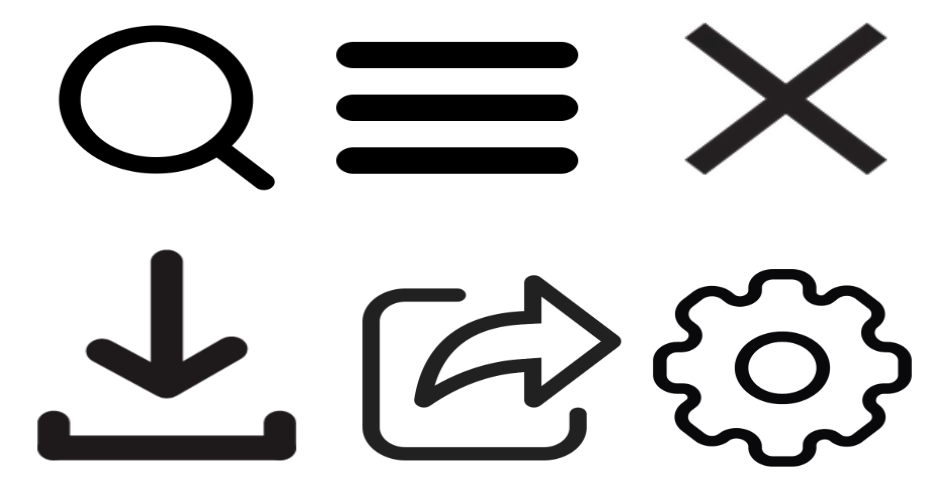
Frequently Used Icons
Part I
This section will describe the appearance and purpose of icons often found on apps and websites. This section describes the icons for download, menu, share, and more.
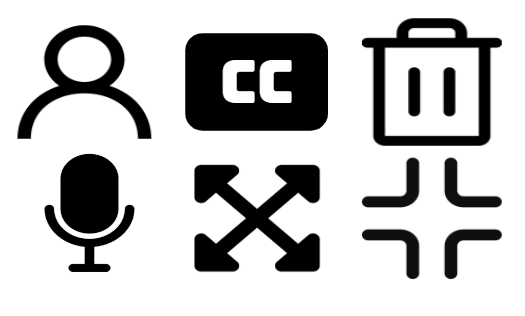
Frequently Used Icons
Part II
This section will describe the appearance and purpose of icons often found on apps and websites. This section describes the icons for profile, filter, full screen, and more.
Module 2: Communication Apps
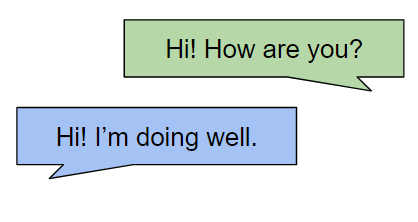
Texting with Smartphones
This section will provide step-by-step instructions for creating a phone contact, starting a text conversation, replying to a text, texting pictures, using speech-to-text, using emojis, and searching for a text conversation.
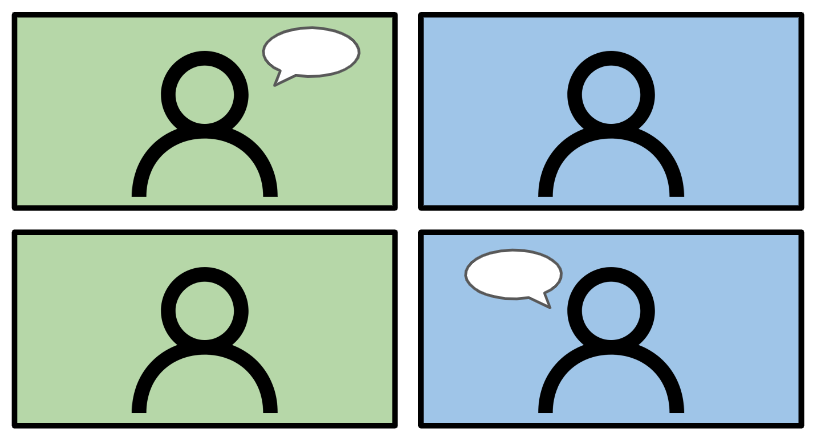
Video Chatting with Zoom
This section will provide an overview of Zoom, a free video chatting app, and provide step-by-step instructions for creating a Zoom account, joining a Zoom meeting, and using key features during Zoom calls.

Emailing with Gmail
This section will provide an overview of Gmail, an email app created by Google, and provide instructions for creating a Gmail account, emailing others, emailing a picture, deleting emails, sorting emails with labels, and more.
Module 3: Entertainment Apps

Spotify App: Listening to
Music & Podcasts
This section will explore the Spotify app and provide step-by-step instructions for creating a Spotify account, searching for a song, making playlists, listening to podcasts, and more.

Libby App: Reading Library eBooks & Audiobooks
This section will provide an overview of accessing your local library’s eBook and audiobook collection using the Libby app. A valid library card will be needed to use the app.

YouTube App:
Watching Videos
This section will provide instructions for watching videos with the YouTube app. Watch videos related to cooking, product reviews, religious services, and more.
Module 4: Grocery Apps
Clipping Coupons with the Kroger/King Soopers App
This section will explore how to use the Kroger app to apply coupons at Kroger affiliated stores such as Kroger, King Soopers, Smith’s, City Market, FredMeyer, Ralph’s, Fry’s, QFC, and more.

Clipping Coupons with the Safeway App
This section will explore how to use the Safeway app to apply coupons at Safeway. This section can be used as a guide for other store apps under Albertson Companies such as Albertsons, Vons, Acme, and more.
Finding Recipes with the Supercook App
This section will explore how to use the Supercook app to generate recipes with what you already have in your kitchen. Supercook is a tool to discover new recipes and limit food waste.
Module 4: Facebook App

Finding Friends and
Chatting Online with the Facebook App
This section will explore how to use the Kroger app to apply coupons at Kroger affiliated stores such as Kroger, King Soopers, Smith’s, City Market, FredMeyer, Ralph’s, Fry’s, QFC, and more.

Interacting with Online Communities:
Facebook Groups
This section will explore how to use the Safeway app to apply coupons at Safeway. This section can be used as a guide for other store apps under Albertson Companies such as Albertsons, Vons, Acme, and more.

Selling Items on
Facebook Marketplace
& Safe Practices
This section will explore how to use the Supercook app to generate recipes with what you already have in your kitchen. Supercook is a tool to discover new recipes and limit food waste.
About the Program Creator and Spanish Translator
Tech Skills for Older Adults was created by Rachel Washburn, B.S. 2024 Health and Exercise Science, Colorado State University, Student Ambassador for Center for Healthy Aging, and was originally piloted at the Fort Collins Senior Center in February 2023.
Spanish translated content for Module 1 was created by Brooke Zarecki, B.S. 2024 Biomedical Sciences, Colorado State University, Student Ambassador for Center for Healthy Aging.